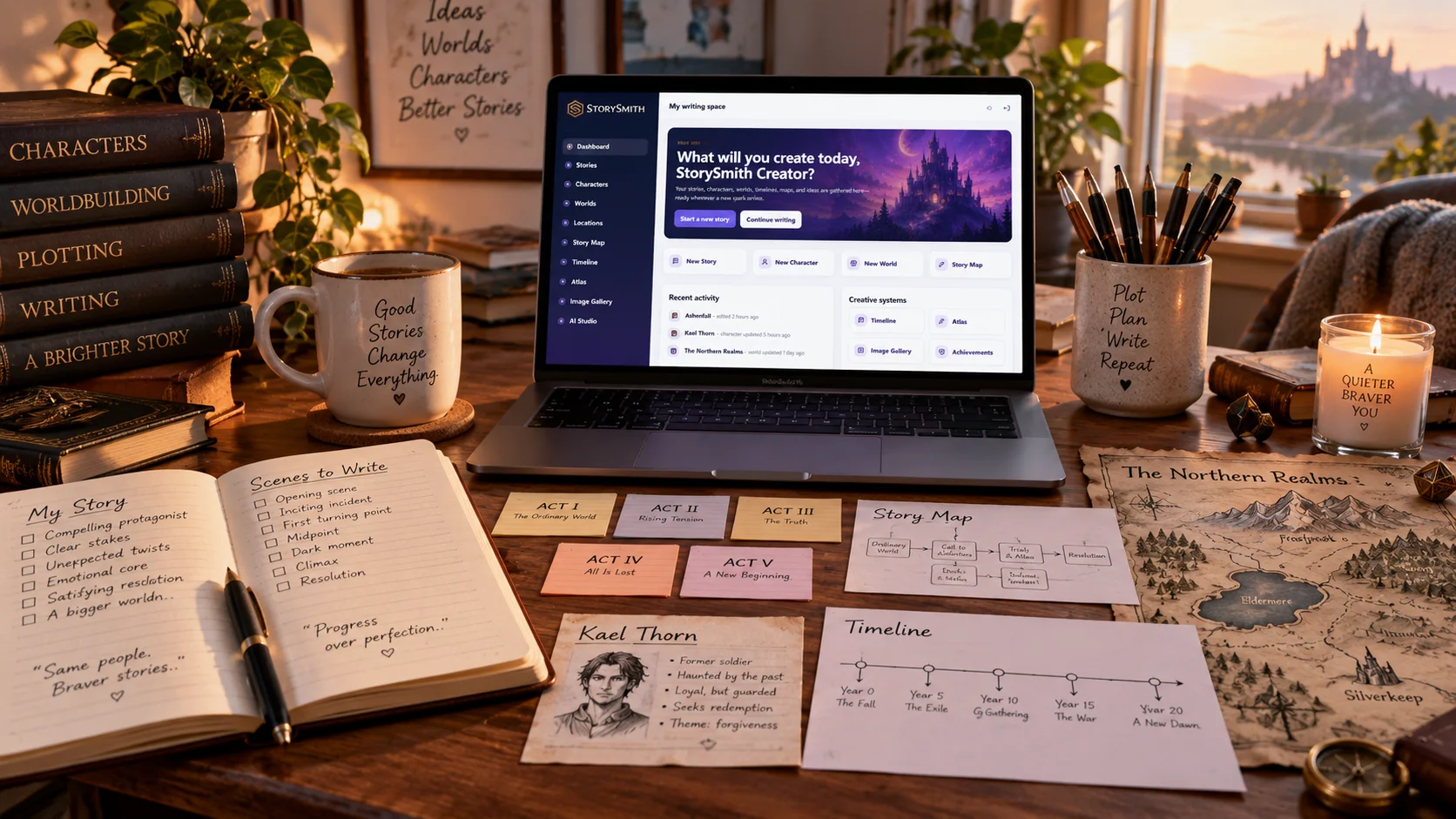
A novel rarely begins as a neat sequence of chapters.
It begins as pieces.
A character.
A scene.
A conflict.
A location.
An ending you can see clearly even though the middle is still a fog.
Maybe you know exactly how the story starts but have no idea how your protagonist gets from chapter five to chapter twenty.
Maybe you have three point-of-view characters, four subplots, a romance arc, a political conflict, and a timeline that refuses to stay straight.
That is where story planning software can help.
But not every planning tool solves the same problem.
Some writers need a visual timeline.
Others need a scene grid.
Some need a giant canvas where ideas can move freely.
Others want their planning information attached directly to the manuscript.
Fantasy and science-fiction writers may need characters, cultures, locations, maps, history, and worldbuilding alongside the plot.
And some writers want the information they create during planning to remain useful after the first draft begins.
So the real question is not:
What is the best story planning software?
It is:
What kind of planning problem are you trying to solve?
Here are eight strong story-planning tools in 2026 and the types of writers they may fit best.
Quick comparison
| Tool | Best For | Manuscript Writing | Visual Planning | Timeline | Worldbuilding | Story-Aware Review |
|---|---|---|---|---|---|---|
| StorySmith | Connected planning, writing, worldbuilding, and continuity | Yes | Story Map | Yes | Deep | Yes |
| Plottr | Visual plotting and parallel story threads | No dedicated manuscript editor | Excellent | Excellent | Characters/places/story bible | No |
| Scrivener | Planning inside a customizable writing project | Yes | Corkboard/Outliner | Not a dedicated chronology tool | Flexible/manual | Manual |
| Dabble | Scene-linked plotting and drafting | Yes | Plot Grid | Plot-oriented | Notes/characters | Manual |
| Campfire | Worldbuilding-heavy fiction | Yes | Arcs/modules | Yes | Very deep | Primarily reference-based |
| Milanote | Freeform visual planning | Limited for long-form drafting | Excellent | Manual | Flexible boards | No |
| World Anvil | Deep lore, maps, timelines, and world encyclopedias | Yes | Maps/timelines | Yes | Very deep | Primarily reference-based |
| Aeon Timeline | Complex chronology | No primary manuscript editor | Timeline-focused | Excellent | Limited | No |
No table can tell you which one will fit your brain.
So let's look at the differences.
1. StorySmith — Best for planning that stays connected to the manuscriptFull disclosure: this article is published by StorySmith.
That means we are obviously familiar with StorySmith and believe strongly in the way it approaches fiction writing.
But that does not make it the right tool for every writer.
StorySmith is designed for writers who want story planning to remain connected to everything that comes afterward.
Rather than creating an outline in one application and then abandoning it when drafting starts, StorySmith keeps planning within the same creative environment as:
- manuscript writing
- characters
- worlds
- locations
- Story Map
- Timeline
- story notes
- chapter notes
- world maps
- visual references
- collaboration
- Quill Writing Assistant
- continuity review
- publishing preparation
The planning process can therefore grow with the manuscript.
Story Map
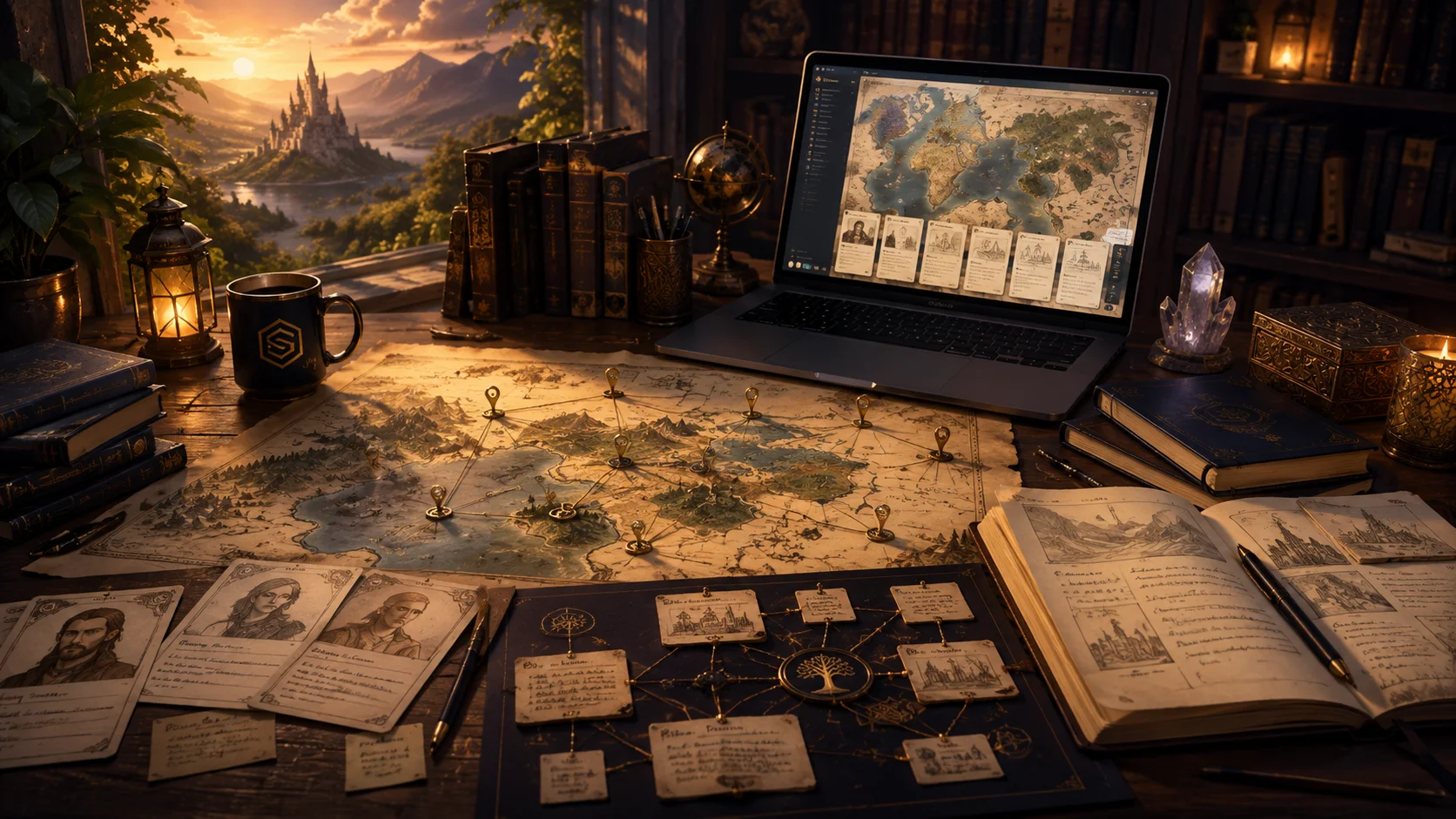
StorySmith's Story Map provides a visual way to organize the structure and relationships within a story.
For writers who think spatially, it can help reveal how story elements relate without requiring everything to fit inside a rigid linear outline.
Timeline
The Timeline provides a chronological view of events.
That becomes especially useful for stories involving:
- multiple points of view
- flashbacks
- historical events
- overlapping plotlines
- long journeys
- character ages
- events occurring away from the main viewpoint
Characters, Worlds, and Locations
Planning in StorySmith is not limited to plot points.
Characters can contain structured details about motivations, relationships, beliefs, abilities, languages, culture, and history.
Worlds establish the broader setting.
Locations can define local cultures, customs, religions, languages, laws, magic, technology, and other regional differences.
That creates a structure such as:
World → Location → Character → Manuscript
What makes StorySmith different
The most important distinction may appear after planning is finished.
StorySmith can use established story information as context during manuscript review.
That means the software can help writers ask questions such as:
- Is this character behaving consistently?
- Did a relationship change without enough development?
- Is a character using an ability they have not acquired?
- Is an event contradicting the timeline?
- Is something happening in a location that conflicts with established rules?
- Has an important supporting character disappeared?
- Does the manuscript contradict information established elsewhere in the project?
The planning information therefore does not become an archive that the writer has to remember to revisit.
It can continue supporting the manuscript.
StorySmith may be a good fit if:
- you want planning and drafting in one place
- you write fantasy, science fiction, mystery, series fiction, or other continuity-heavy stories
- you want structured characters and worldbuilding
- you want visual planning plus chronology
- you want optional AI assistance
- you want planning data available during manuscript review
- you want to move from planning through publishing preparation in one workspace
It may be less ideal if:
- you need offline writing
- you want an extremely specialized chronology application
- you primarily want an unstructured visual canvas
- you do not want any integrated AI features available
Plottr is one of the most recognizable dedicated novel-planning tools.
Its biggest strength is the Timeline, where writers organize chapters, scenes, plotlines, and story cards visually.
Plottr allows writers to place different threads alongside one another so they can see how a novel develops across the entire story.
That is especially useful for:
- multiple POVs
- romance arcs
- mysteries
- character arcs
- subplots
- parallel narratives
Plottr also includes:
- scene cards
- plotlines
- plot templates
- character profiles
- places
- notes
- tags
- series planning
Its Timeline automatically feeds an outline, and projects can be exported into tools such as Microsoft Word and Scrivener.
That workflow makes sense because Plottr is primarily a planning application, not the final home of the manuscript.
Plottr may be a good fit if:
- visual plotting is your main problem
- you need to see several story threads at once
- you like cards and timelines
- you want established story-structure templates
- you already have another application where you prefer to write
It may be less ideal if:
- you want planning and manuscript writing in the same environment
- you want deep integrated worldbuilding
- you want planning information to participate directly in manuscript review
Plottr's current feature set centers heavily on visual timelines, story bibles, scene cards, characters, places, notes, and series planning.
3. Scrivener — Best for writers who want to design their own planning systemScrivener has been one of the major names in long-form writing software for years.
Its philosophy is very different from a guided story planner.
Scrivener gives the writer flexible organizational tools and lets them decide how those tools should be used.
Planning features include:
- Binder
- Corkboard
- Outliner
- synopses
- labels
- status fields
- custom metadata
- keywords
- collections
- document templates
Every manuscript section can have an index card.
Move the card on the Corkboard and you can reorganize the corresponding manuscript section.
The Outliner gives writers a more information-dense view of the same material, including metadata and word counts.
This makes Scrivener extremely flexible.
You could use labels for:
- character POV
- subplot
- timeline status
- location
- revision stage
You could create custom metadata for nearly anything.
But that flexibility means Scrivener usually does not tell you what your planning system should be.
You build it.
Scrivener may be a good fit if:
- you love customization
- you want planning directly attached to manuscript sections
- you want extensive research organization
- you prefer desktop software
- you enjoy building your own workflow
It may be less ideal if:
- you want dedicated character, world, location, and timeline systems ready immediately
- you want guided planning rather than configurable organization
- you want a true dedicated chronology tool
Scrivener's current product materials emphasize its Binder-style structure, Corkboard, Outliner, custom metadata, research storage, targets, and flexible manuscript organization.
4. Dabble — Best for scene-linked plot gridsDabble's Plot Grid is one of the more interesting planning approaches among manuscript-writing applications.
It works somewhat like a spreadsheet.
Plot lines become columns.
Plot points become cards.
When the grid is linked to a book, manuscript scenes appear alongside those plot lines.
That allows a writer to see:
- the main plot
- subplots
- character arcs
- romance threads
- mysteries
- recurring story elements
next to the scenes where they occur.
That linkage is important.
If the manuscript changes, the planning grid can stay connected to the scene structure.
Writers can even view plot information while writing without leaving the editor.
Dabble may be a good fit if:
- you want plotting and drafting together
- you think naturally in rows, columns, and story threads
- you want to track several subplots alongside scenes
- you prefer a cleaner guided interface over Scrivener-style customization
It may be less ideal if:
- you want deep dedicated worldbuilding
- you need a full chronology system separate from narrative order
- you want story-aware AI continuity review against structured worlds and locations
Dabble's current Plot Grid explicitly connects plot lines and plot points to manuscript scenes and allows writers to work with plot information while drafting.
5. Campfire — Best for planners who are also intensive worldbuildersCampfire occupies an interesting space between writing software and fictional encyclopedia.
Its strength is the depth of its modular worldbuilding ecosystem.
Depending on how deeply a writer wants to go, Campfire can organize areas such as:
- characters
- locations
- timelines
- cultures
- religions
- magic systems
- languages
- species
- relationships
- lore
- other specialized world information
For fantasy and science-fiction writers who enjoy constructing enormous fictional universes, this can be extremely appealing.
A writer can build the world long before the manuscript reaches it.
Campfire also includes manuscript-writing capabilities, so planning does not necessarily have to leave the platform.
Campfire may be a good fit if:
- worldbuilding itself is a major part of your creative process
- you want granular specialized modules
- you build extensive lore before drafting
- you need dedicated worldbuilding structures beyond ordinary notes
It may be less ideal if:
- you want a simpler planning workflow
- maintaining many modules feels like too much structure
- your priority is having planning information actively participate in AI-assisted manuscript review
Campfire remains one of the tools frequently included in current 2026 novel-planning comparisons, particularly for worldbuilding-heavy fiction.
6. Milanote — Best for freeform visual thinkersNot every writer wants rows, timelines, templates, or databases.
Some people need a wall covered in ideas.
Milanote is essentially a flexible visual workspace.
Its novel-planning templates can be used for:
- brainstorming
- character ideas
- visual references
- research
- plot ideas
- scene planning
- outlining
- inspiration
Writers can place information spatially instead of deciding immediately where everything belongs.
That makes Milanote particularly useful during the earliest stages of a project.
A character photo might sit beside a quote.
A location image might sit beside research.
A story idea can move around the board until its purpose becomes clearer.
Milanote may be a good fit if:
- you think visually
- rigid outlines make you feel trapped
- you collect lots of images and inspiration
- you prefer spatial brainstorming
- your story is still taking shape
It may be less ideal if:
- you need rigorous chronology
- you want manuscript continuity checking
- you want structured worldbuilding databases
- you want the planning system tightly integrated with long-form manuscript drafting
Milanote's own novel-planning template emphasizes brainstorming, research, character creation, visual organization, outlining, sharing, and feedback.
7. World Anvil — Best for extremely deep fictional universesWorld Anvil is much more than a traditional novel planner.
It is designed around building entire worlds.
Its toolset includes areas such as:
- world lore
- characters
- locations
- maps
- timelines
- countries
- family trees
- plots
- fantasy calendars
- public/private world information
Its interactive mapping and timeline systems are particularly useful for writers whose stories depend heavily on geography and history.
World Anvil also allows writers to organize and search a large story or series bible.
World Anvil may be a good fit if:
- the fictional world is almost a project in itself
- you need extensive lore organization
- you want interactive maps
- you want fantasy calendars
- you need deep timelines
- you want parts of your world to be shareable publicly
It may be less ideal if:
- you primarily need a simple novel outline
- you want minimal setup
- your worldbuilding needs are relatively light
World Anvil's current writer tools emphasize searchable world/series bibles, characters, plots, family trees, maps, and interactive timelines, including custom fantasy calendars.
8. Aeon Timeline — Best for complex chronologySometimes the primary problem is not plotting.
It is time.
Historical fiction can require exact dates.
Characters age.
Journeys take days.
Events overlap.
Different characters may experience the same period from different locations.
A flashback might occur fifteen years before chapter one while another event happened only eight months earlier.
For those kinds of projects, a dedicated chronology tool can be more useful than a general story planner.
Aeon Timeline is widely recognized as a specialized solution for writers who need rigorous chronological planning.
Current planning guides continue to distinguish it from tools such as Plottr: Plottr is typically stronger for narrative plot threads, while Aeon Timeline is aimed more directly at dates, durations, ages, and chronology.
Aeon Timeline may be a good fit if:
- dates matter enormously
- character ages must remain exact
- you write historical fiction
- you have overlapping timelines
- chronology is becoming difficult to manage
It may be less ideal if:
- you primarily want character development
- you want manuscript writing
- you want deep integrated worldbuilding
- you need a broad all-in-one fiction workspace
There is no single winner because writers do not all plan the same way.
The better question is:
What part of your story is hardest for you to keep under control?
Choose Plottr if...
You need to see multiple plotlines and character arcs arranged visually across a book.
Choose Scrivener if...
You want maximum control over how planning information and manuscript organization work together.
Choose Dabble if...
You want a clean manuscript environment with a scene-linked Plot Grid.
Choose Campfire if...
Your story planning is inseparable from extremely detailed worldbuilding.
Choose Milanote if...
You think spatially and want a flexible visual canvas for ideas and inspiration.
Choose World Anvil if...
You are building a huge fictional universe with deep lore, maps, timelines, histories, and public-facing world information.
Choose Aeon Timeline if...
Chronology itself is the problem you need software to solve.
Choose StorySmith if...
You want planning to remain connected to:
- manuscript writing
- characters
- worlds
- locations
- maps
- Timeline
- Story Map
- AI assistance
- continuity review
- publishing preparation
and you want the information you create during planning to continue helping you once the manuscript is underway.
Planning a novel is not the same as writing oneThis is an important distinction.
Planning software can become another form of procrastination.
It is possible to spend months creating:
- beautiful timelines
- elaborate character profiles
- enormous lore databases
- detailed scene cards
- color-coded boards
without actually writing chapter one.
The goal of planning should not be to eliminate uncertainty.
Stories change.
Characters surprise you.
A better idea appears halfway through chapter twelve.
That is normal.
The purpose of planning software should be to reduce the kinds of friction that prevent you from writing.
Maybe you need enough structure to know what comes next.
Maybe you need to remember what happened before.
Maybe you need to see whether your subplot disappeared.
Maybe you need to know how old your protagonist was during an event.
Maybe you simply need somewhere to put the ideas currently fighting for space in your head.
The tool should serve the story.
The story should not become a servant of the tool.
Plotters, pantsers, and everyone in betweenWriters are often divided into two camps:
Plotters plan before they write.
Pantsers discover the story while drafting.
Reality is usually more complicated.
A writer may outline the main plot but discover character relationships while writing.
Another may begin completely by instinct and build a timeline only after continuity becomes difficult.
A third may meticulously plan one novel and barely outline the next.
Good story-planning software should therefore remain useful even when the plan changes.
That flexibility matters.
Planning should give you direction without convincing you that every decision has already been made.
What features should story planning software have?Before choosing an application, consider which of these actually matter to you.
Visual plotting
Do you want to see scenes and arcs spatially?
Look closely at Plottr, Dabble, StorySmith, Milanote, or Scrivener's Corkboard.
Chronology
Do actual dates and durations matter?
Consider StorySmith's Timeline, Campfire's timeline tools, World Anvil, Plottr, or a specialist such as Aeon Timeline.
Character development
If character motivations and relationships drive your planning, choose something that gives characters more than a name field.
Worldbuilding
Fantasy and science-fiction writers may need locations, cultures, languages, religions, magic, history, maps, and lore.
That immediately changes which software makes sense.
Manuscript integration
Ask what happens when planning ends.
Do you write in the same application?
Do you export somewhere else?
Does changing the manuscript also change the plan?
Continuity
This is one of the most overlooked planning features.
Planning tells you what you intended.
Continuity review asks:
Did the manuscript actually follow it?
Those are not the same thing.
A timeline might be perfectly organized while the manuscript accidentally contradicts it.
A character profile might clearly say someone cannot speak a language while chapter twenty has them understanding it anyway.
A location might forbid magic while a later scene casually ignores that rule.
For complex fiction, the ability to compare what you wrote with what you planned can become extremely valuable.
The planning tool should still matter after chapter oneThis may be the most important question in the entire comparison:
What happens to your planning information once you begin drafting?
Some planning tools are primarily designed to get you to chapter one.
And that can be exactly what you need.
But larger stories create a different problem.
Once the manuscript reaches:
- 30,000 words
- 60,000 words
- 100,000 words
- multiple books
the challenge shifts.
You no longer need only to know what happens next.
You need to remember what you already established.
That is why connected planning becomes increasingly valuable.
A character profile should help with the character in the manuscript.
A timeline should help expose chronological contradictions.
A location should help maintain setting consistency.
A story map should help reveal missing or underused threads.
The best planning tool for a large novel may therefore be the one that remains useful after the plan becomes prose.
Frequently asked questionsWhat is the best software for planning a novel?
It depends on how you plan.
Plottr is particularly strong for visual plotlines and scene timelines. Scrivener is strong for customizable planning attached to the manuscript. Dabble offers a scene-linked Plot Grid. Campfire and World Anvil are strong for worldbuilding-heavy projects. Aeon Timeline specializes in chronology. StorySmith is designed for writers who want planning, worldbuilding, manuscript writing, and continuity review connected in one workspace.
What is the best visual story planning software?
Plottr is one of the strongest dedicated visual plotting tools, especially for parallel plotlines. Milanote is excellent for freeform spatial brainstorming. Dabble's Plot Grid works well for plot threads connected to scenes. StorySmith uses Story Map and Timeline tools for visual and chronological planning.
Is Plottr good for novel planning?
Yes. Plottr is specifically designed around visual timelines, scene cards, plotlines, characters, places, notes, and series planning. It is especially useful when the planning itself is your primary need.
Is Scrivener good for plotting?
Yes, especially if you like building your own workflow. Scrivener's Corkboard, Outliner, synopses, labels, custom metadata, and Binder can all be used for planning and restructuring a manuscript.
What is the difference between story planning software and writing software?
Story-planning software primarily helps organize what will happen: plots, scenes, timelines, characters, and story structure.
Writing software primarily provides an environment for drafting the manuscript.
Some products specialize in one side. Others combine both.
Do discovery writers need planning software?
Not necessarily before they begin writing.
But discovery writers may still find planning tools useful later for organizing what they have already discovered, tracking continuity, managing subplots, or understanding chronology.
You do not have to plan the entire book before using planning software.
Final thoughtsThe best story planning software is not the application with the largest number of features.
It is the one that helps you answer the questions your story keeps asking you.
Where does this subplot go?
When did this happen?
What does this character know?
Which locations matter?
Where did this relationship change?
What happened between these two events?
And eventually:
Does the manuscript still match the story I thought I was building?
Plottr, Scrivener, Dabble, Campfire, Milanote, World Anvil, Aeon Timeline, and StorySmith all approach those questions differently.
Some writers need a timeline.
Some need a board.
Some need a world encyclopedia.
Some need a manuscript with flexible metadata.
And some want the entire creative process connected.
Choose the tool that fits the way you actually think.
Because good planning software should not make you spend more time managing your story.
It should make it easier to write it.