If you are writing fantasy, science fiction, historical fiction, or even a contemporary novel with a deep setting, your world matters.
A believable world gives your story weight. It helps readers understand how your characters live, what shapes their choices, what rules govern their reality, and why your plot unfolds the way it does. But as your story grows, so does the complexity of your world. Suddenly you are juggling character histories, political systems, locations, cultural details, timelines, and plot connections across dozens or even hundreds of notes.
That is why more writers are searching for the best worldbuilding software instead of relying on scattered documents, random notebooks, or folders full of disconnected files.
The right worldbuilding tool does more than store notes. It helps you organize, visualize, connect, and actually use your world while you write.
Why worldbuilding software matters
Many writers start with a simple notes app or a few Word documents. That works for a while. But once your story expands, things start to break down.
You may find yourself asking:
- Where did I write that city description?
- What color were this character’s eyes in chapter three?
- Did I already name that kingdom?
- How old was this character during the rebellion?
- Which locations connect to this storyline?
- Does this event happen before or after the war?
These are the kinds of problems worldbuilding software is meant to solve.
A strong platform helps writers keep all the moving pieces of a fictional world in one place, so instead of losing time hunting for details, you can spend more time writing.
What to look for in the best worldbuilding software
Not all writing tools are built the same. Some are little more than note repositories. Others are broad writing platforms with worldbuilding features built in. The best choice depends on how you write, but there are several features that matter most.
1. Structured organization for worlds, locations, and lore
Your story world is not just one idea. It is a system made up of people, places, histories, rules, and relationships.
The best worldbuilding software should help you organize things clearly, not force you to dump everything into one giant wall of text.
Look for software that lets you separate and organize:
- worlds
- regions
- cities and locations
- cultures
- history
- political systems
- magic systems or technologies
- important objects
- lore and reference notes
When your worldbuilding is structured, it becomes much easier to expand your ideas without losing track of them.
2. Character integration
A world does not exist apart from the people living in it.
That means the best worldbuilding tools should also support character creation and character organization. Your characters should feel connected to your world, not isolated from it in a separate system.
For example, it is incredibly helpful when you can connect a character to:
- their home region
- their affiliations
- important relationships
- relevant historical events
- locations they visit
- specific storylines
When your character tools and worldbuilding tools work together, your story becomes easier to manage and your world feels more alive.
3. Location management
Many stories rise or fall on setting. Readers remember places that feel real.
Whether you are building a mountain kingdom, a distant planet, a magical academy, or a small town with hidden secrets, your software should help you create and organize locations in a way that is useful during drafting.
Good location tools should make it easy to keep track of:
- visual atmosphere
- key features
- who lives there
- what events happened there
- how it connects to other places
- why it matters to the story
This becomes especially important when your story includes travel, multiple regions, or a large cast spread across the map.
4. Timeline support
One of the easiest ways for a complex story to become confusing is timeline drift.
If you are managing backstory, wars, family histories, quests, political change, or parallel plotlines, you need a reliable way to keep events in order.
Timeline support can help you track:
- historical events in the world
- personal character milestones
- story beats across chapters
- cause and effect between events
- continuity across multiple projects or books
When your timeline is clear, plot holes become easier to catch before they grow into bigger problems.
5. Maps and visual worldbuilding
For many writers, visual thinking is a huge part of the creative process.
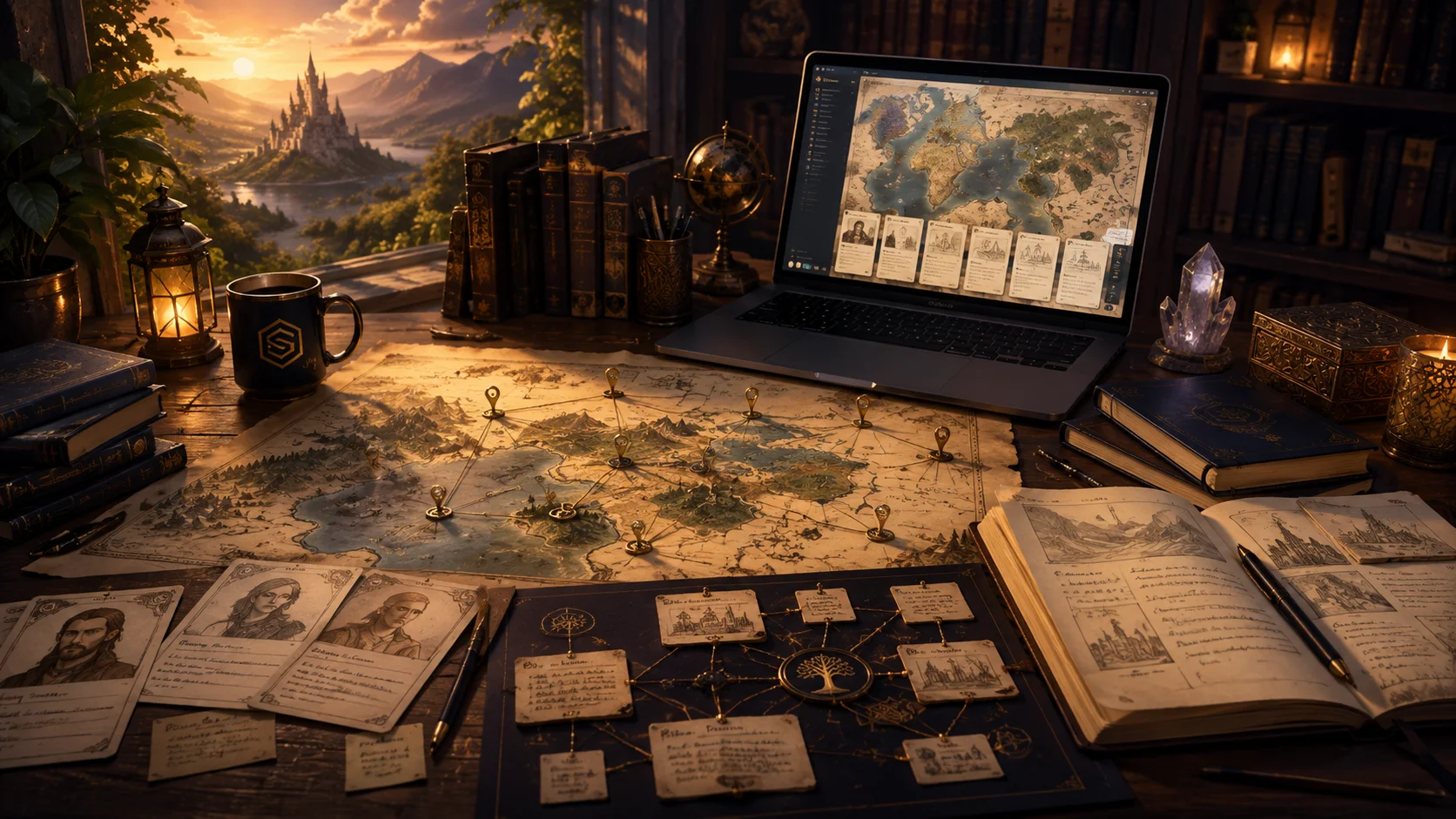
A good worldbuilding platform should help you visualize your world, not just describe it. Maps are especially useful for fantasy and science fiction, but they can also be valuable in historical fiction, mystery, and adventure stories.
Map-based features can help you:
- understand geography
- place cities, landmarks, and regions
- track travel routes
- see how story locations relate to one another
- make the world feel more concrete
Visual tools can also spark ideas. Sometimes seeing your world laid out spatially helps you discover missing pieces, story opportunities, or setting inconsistencies.
6. Easy linking between story elements
One of the biggest advantages of dedicated worldbuilding software is the ability to connect information.
For example:
- a character belongs to a world
- a world contains multiple locations
- a location is tied to a major event
- an event influences the story timeline
- a story scene references all of the above
When your software helps you link these elements together, your creative work becomes much more navigable. You are no longer managing scattered facts. You are building a connected story system.
7. Writing support, not just storage
Worldbuilding matters, but it should ultimately support the writing itself.
That is why the best worldbuilding software for writers should not stop at reference management. It should help you move from planning into drafting.
If your worldbuilding tool lives in one place and your manuscript lives somewhere else, friction builds quickly. You waste time switching between apps, copying details, and trying to keep everything aligned.
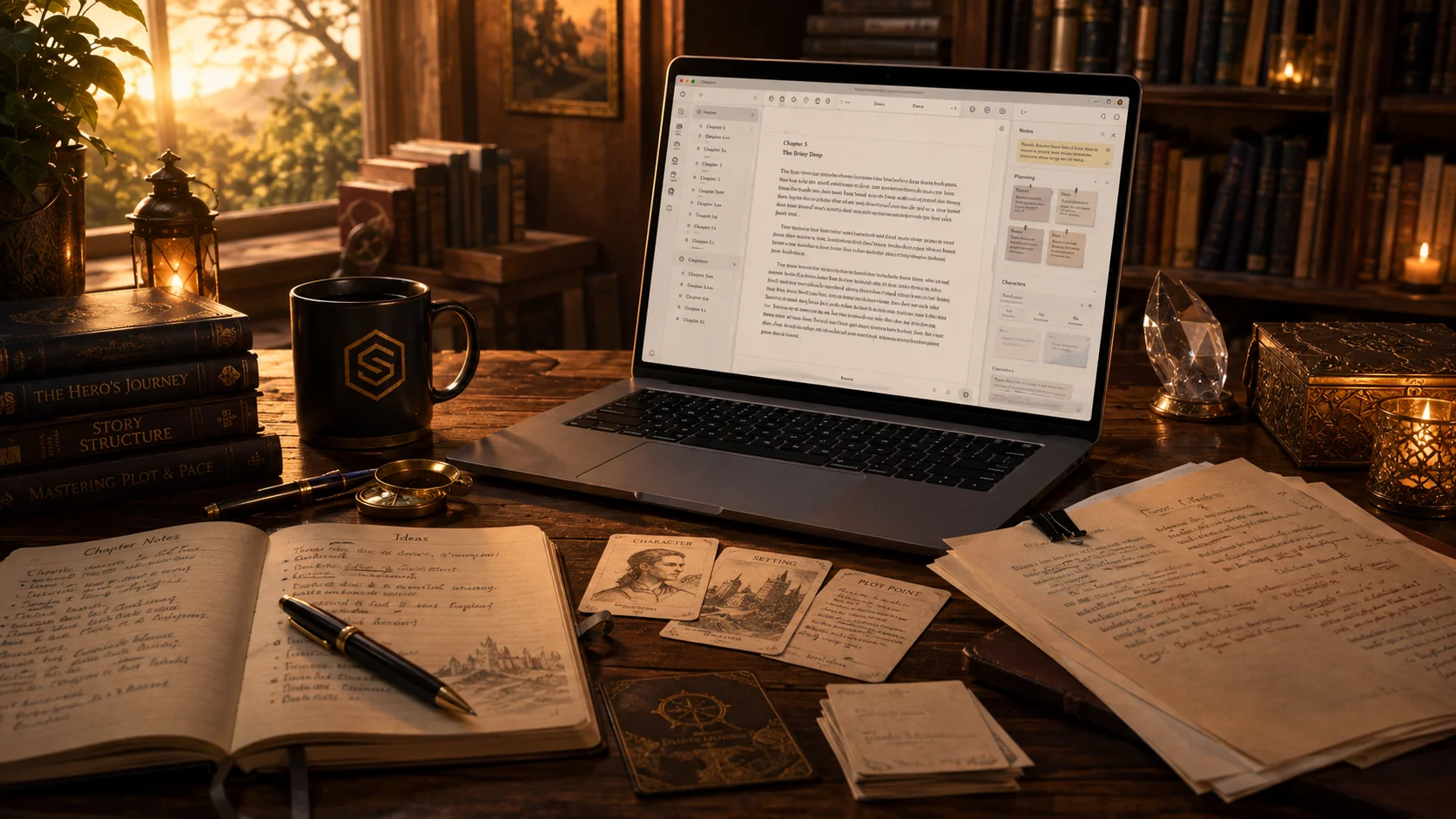
The strongest tools let you build your world and write your story within the same creative environment.
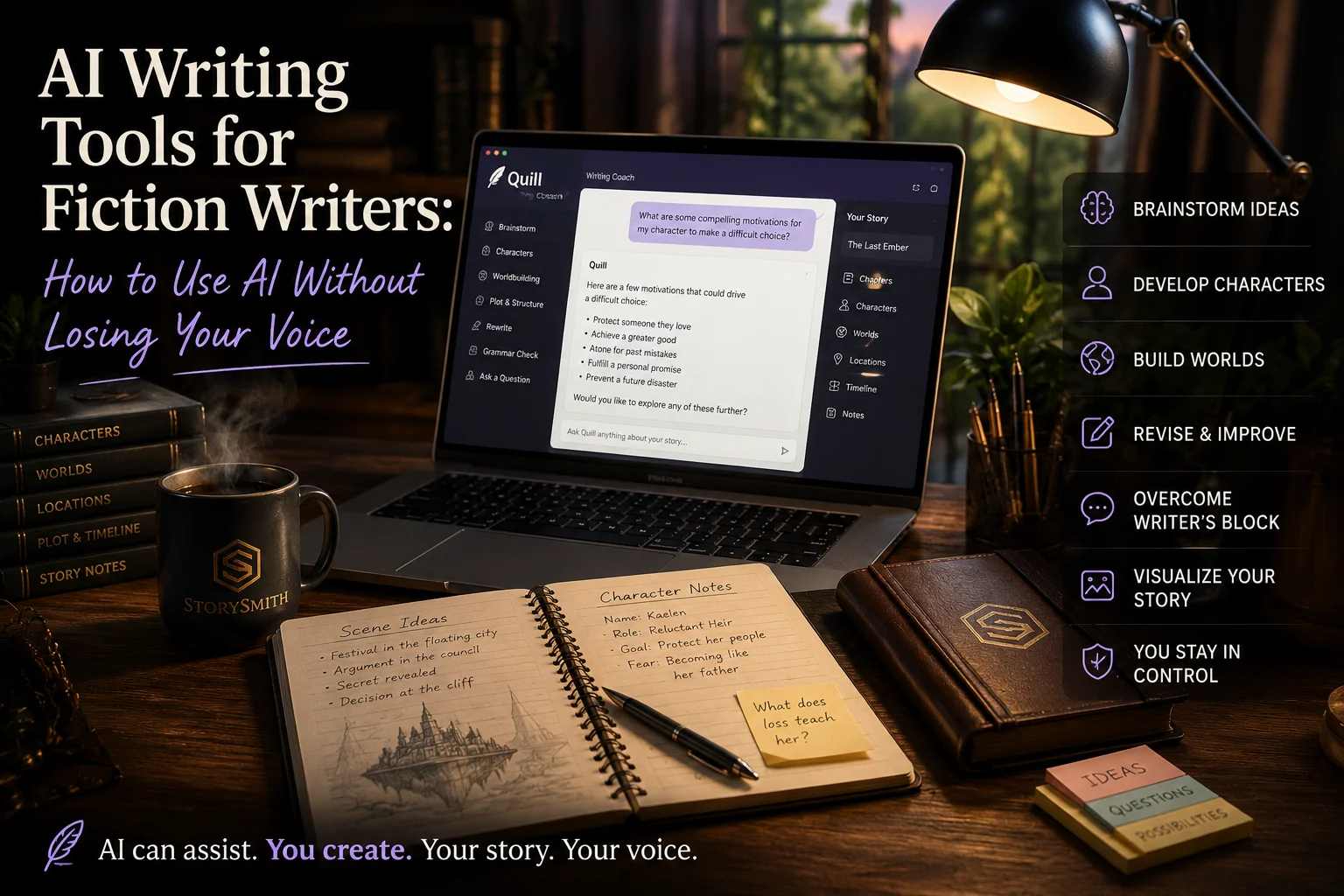
8. AI assistance that helps without taking over
AI is becoming part of more writing platforms, but not every implementation is equally helpful.
Writers do not just need AI that generates text. They need tools that can support their process in practical ways.
Helpful AI features might include:
- brainstorming world ideas
- generating prompts when you feel stuck
- helping expand lore
- supporting character development
- assisting with rewriting or clarifying passages
- visualizing characters or locations
The key is that AI should assist the writer, not replace the writer. Your story should still feel like your story.
9. Export and long-term usability
Writers invest a lot of time into building worlds. That means the software you choose should respect your work.
Look for tools that allow you to keep ownership of your writing and export your content when needed. Strong export support is helpful not just for peace of mind, but also for actual production workflows.
This becomes even more important if you plan to revise, publish, or grow your project into a series.
10. A workflow that keeps everything together
At the end of the day, the best worldbuilding software is the one that helps you create with less friction.
The more your story elements can live together in one connected workflow, the easier it becomes to stay immersed in your project.
Instead of thinking in disconnected categories, you start thinking like a storyteller:
- this character belongs here
- this place shaped this event
- this timeline affects this scene
- this world supports this plot
That kind of connection is where great worldbuilding becomes great storytelling.
So what is the best worldbuilding software for writers?
The answer depends on your process.
Some writers want a lightweight system with simple notes. Others want a full creative workspace where they can manage characters, worlds, locations, maps, timelines, and manuscript writing all in one place.
If you are comparing tools, ask yourself these questions:
- Can I organize my world clearly?
- Can I connect characters, locations, and lore?
- Can I manage story continuity?
- Can I visualize the world?
- Can I actually write inside the same platform?
- Will this help me create more efficiently over time?
Those are the questions that matter more than flashy marketing claims.
Where StorySmith fits in
StorySmith was built for writers who want more than a blank page.
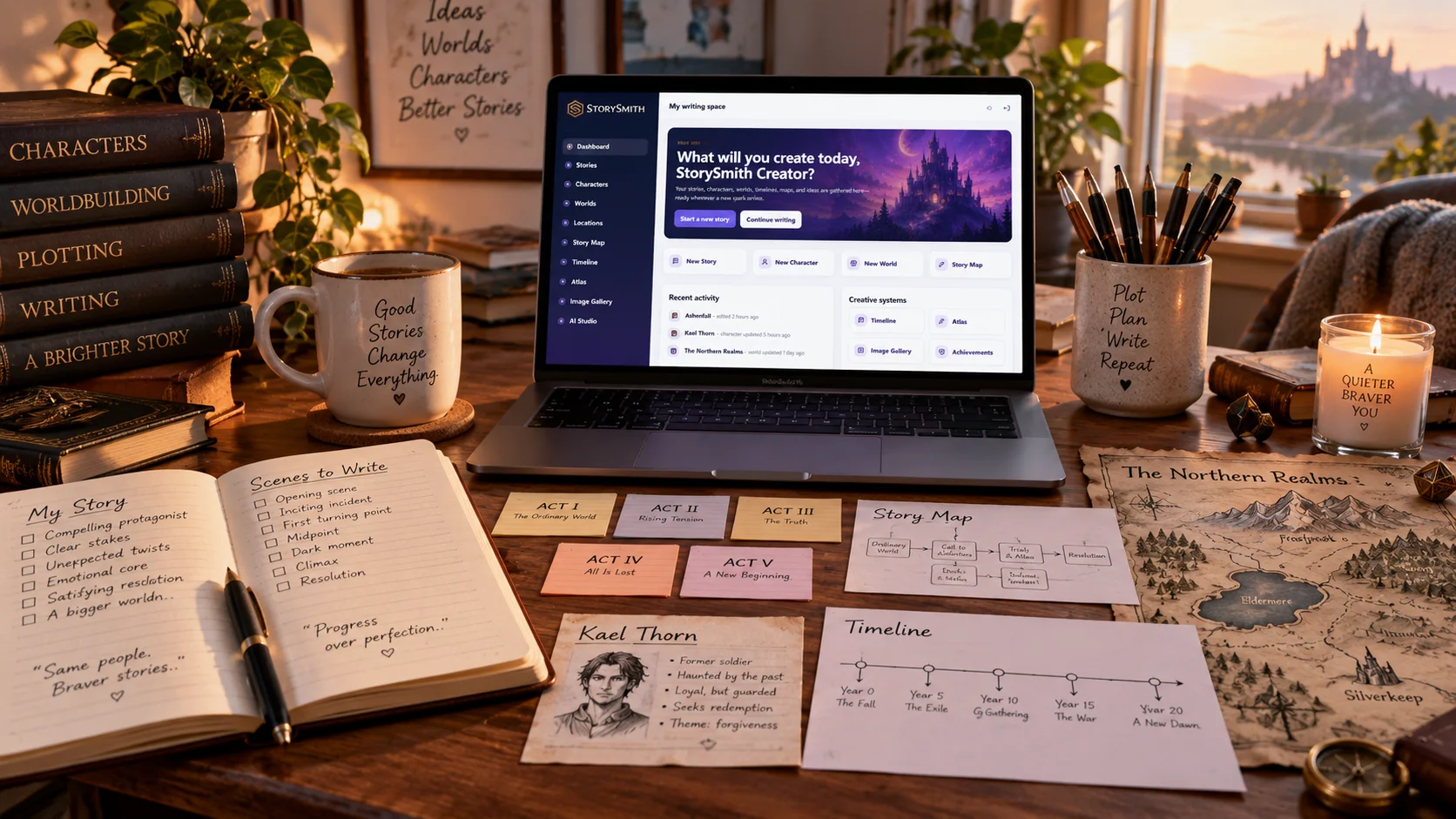
It gives writers a connected creative workspace where they can build characters, worlds, and locations, organize story elements, map ideas visually, track timelines, and continue drafting in the same ecosystem. Rather than treating worldbuilding as a pile of disconnected notes, StorySmith helps turn it into an organized, usable part of the writing process.
For writers who want a more connected way to build and write, that kind of integration makes a real difference.
Final thoughts
The best worldbuilding software does not just help you collect ideas. It helps you shape them into a living story world.
If your project is growing in complexity, the right tool can save you time, reduce confusion, improve consistency, and give you more space to focus on what matters most: telling the story.
A well-built world supports stronger characters, richer plots, and more immersive fiction. And when your creative tools are built to support that process, writing becomes a lot more enjoyable.
If you are exploring better ways to organize your ideas, build your world, and write your story in one place, StorySmith is a great place to start.